
Tech Note: Force Login for REST Authentication in 4d
PRODUCT: 4D Server | VERSION: 20 R | PLATFORM: Mac & Win
Published On: October 31, 2025
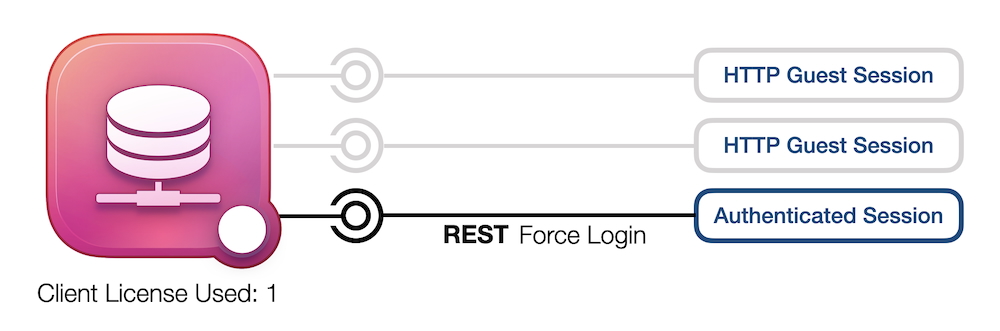
The “Force Login” feature in 4D secures access to REST services and Qodly applications by requiring users to sign in before performing protected actions. When a connection is first established, a guest session is created with no privileges and no assigned license until valid login credentials are provided.
This feature not only strengthens security but also improves license management for REST and Qodly access, while enabling your application to use detailed roles and privileges for precise control over user permissions.
This document explains how to migrate from older authentication settings to the new “Force Login” feature, describes how the authentify method works and how licenses are distributed, and shows how to define access rights in the roles.json file. Clear REST call examples demonstrate how to sign in, view data, and create new records—ensuring secure and well-managed access to REST services in 4D.
Download Complete Tech Note: Tech Note Document