
Tech Tip: Data Explorer Error: "the Selected Row Could Not Be Loaded"
PRODUCT: 4D | VERSION: 20 | PLATFORM: Mac & Win
Published On: December 4, 2025
When using the data explorer in browser, an error may be encountered that states the following:

The selected row could not be loaded
You need to be logged in to perform this request.
The above error usually appears when clicking on a table row to display its details, after the data explorer has been left open for a while. To resolve the error, simply refresh the page and log back in with the access key.
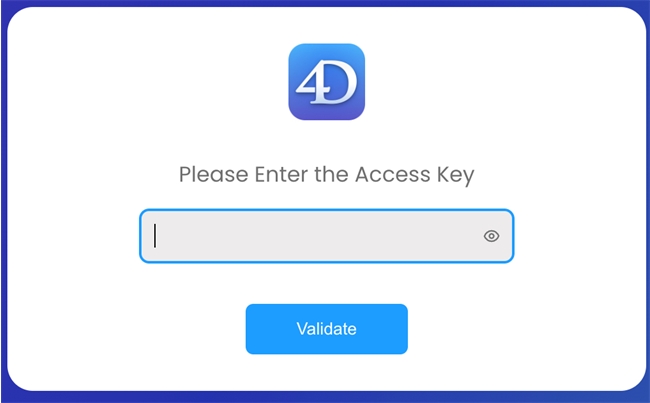
Note that this occurs when an access key has been defined in the Web Administration settings.
The selected row could not be loaded
You need to be logged in to perform this request.
The above error usually appears when clicking on a table row to display its details, after the data explorer has been left open for a while. To resolve the error, simply refresh the page and log back in with the access key.
Note that this occurs when an access key has been defined in the Web Administration settings.