
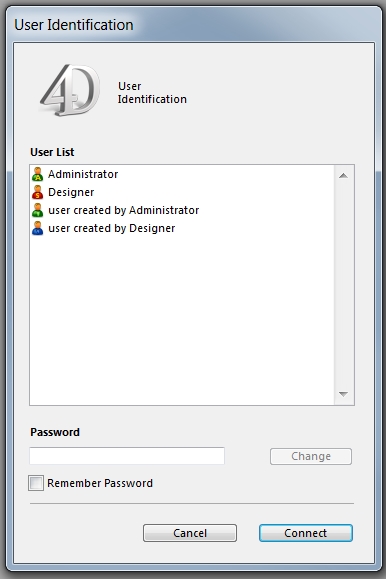
Tech Tip: The 4D Login System now displays user icons with color
PRODUCT: 4D | VERSION: 13.4 | PLATFORM: Mac & Win
Published On: January 9, 2014
The User Identification dialog of 4D v13.4 now uses the same colors to identify each user type; the colors used are the same as the colors used for the User Editor within the Toolbox.
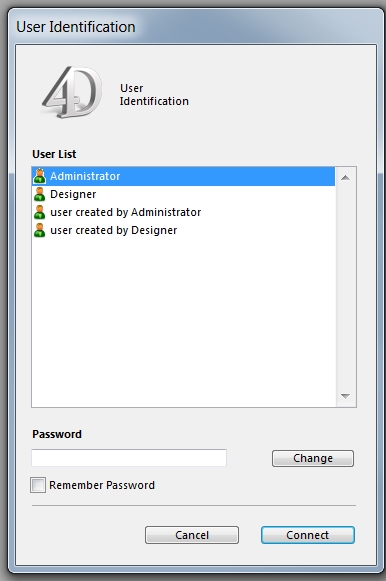
In contrast, older version (such as v13.3) are all green:
One advantage this gives us is the ability to quickly see which users can be exported without going all the way into the Toolbox of Design Mode.
In contrast, older version (such as v13.3) are all green:
One advantage this gives us is the ability to quickly see which users can be exported without going all the way into the Toolbox of Design Mode.
See Also: